Setting up xdebug via brew

Got Vagrant? Try these instructions instead.
Otherwise, grab xdebug.
brew install xdebug
If you're using the normal nginx setup we pass around the office, your upstream backend is probably listening on port 9000, which is the default for xdebug, so there's a conflict. So, let's set xdebug to 9009.
In /usr/local/etc/php/{version}/conf.d/ext-xdebug.ini add this:
xdebug.remote_enable = 1
xdebug.remote_port = 9009
html_errors = off
Reload PHP.
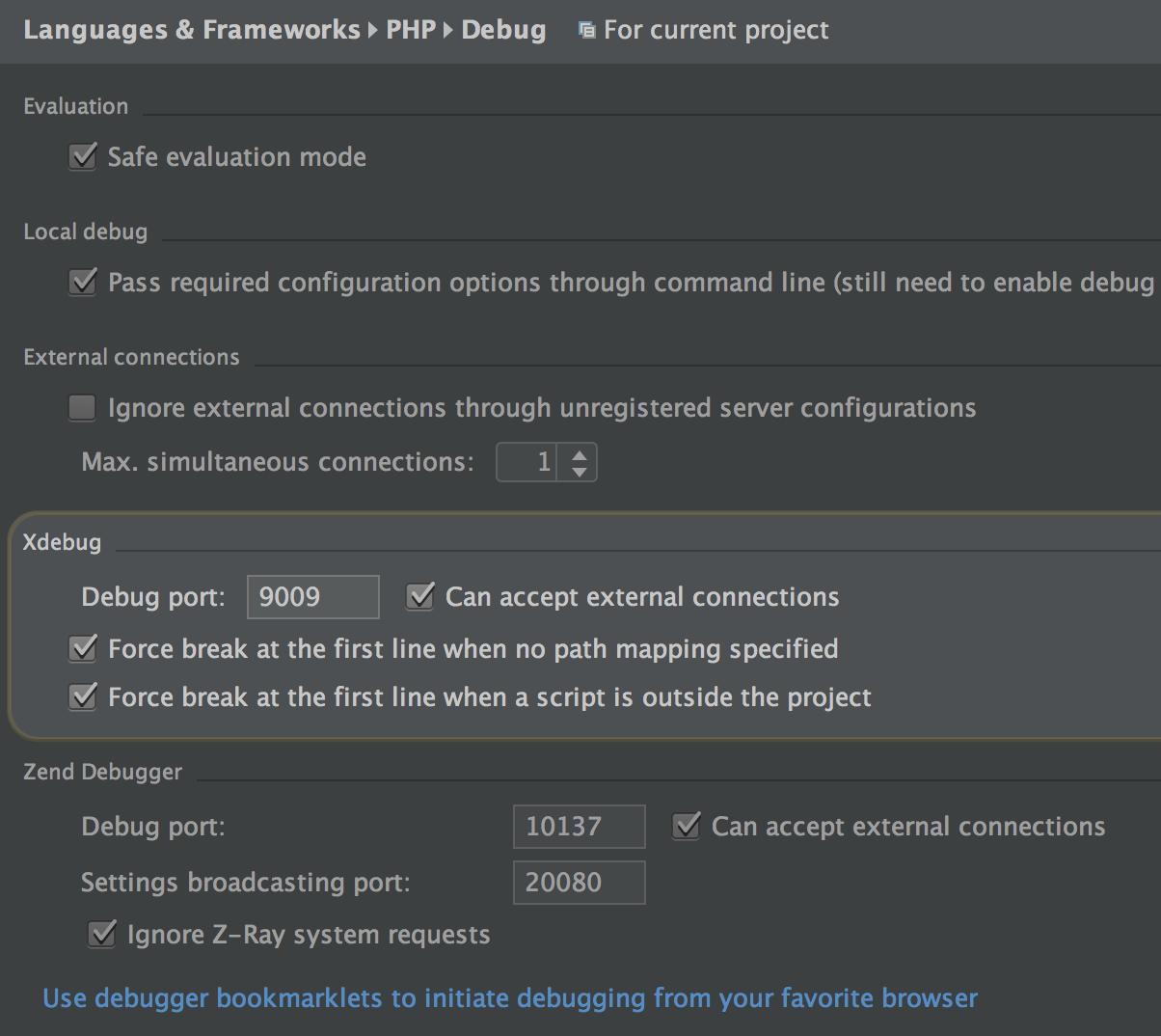
Now in PHPStorm go to Preferences and search XDebug and set the debug port to 9009.
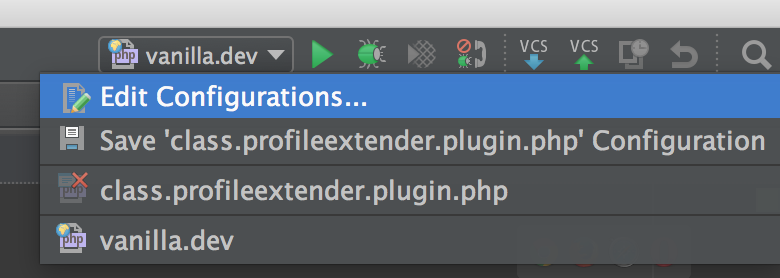
In your PHPStorm debug bar, choose "Edit Configurations" from the dropdown.
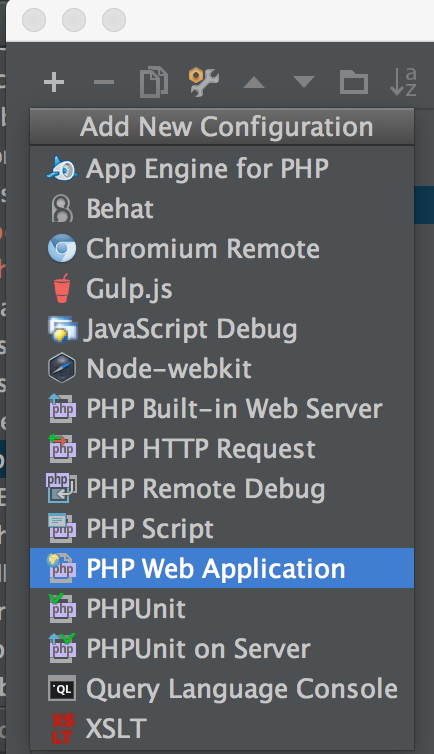
Add a new PHP Web Application and give it the name & host of your localhost setup.
Clicking "Play" should now open Vanilla in your browser. To prove XDebug is working, add a breakpoint to index.php at $Dispatcher = Gdn::Dispatcher(); and click the "Bug" button. A page should open in your browser with an XDebug session attached to the URL. Back in PHPStorm, your debug console should be open with variable information.
Happy hunting.